Shared workspace
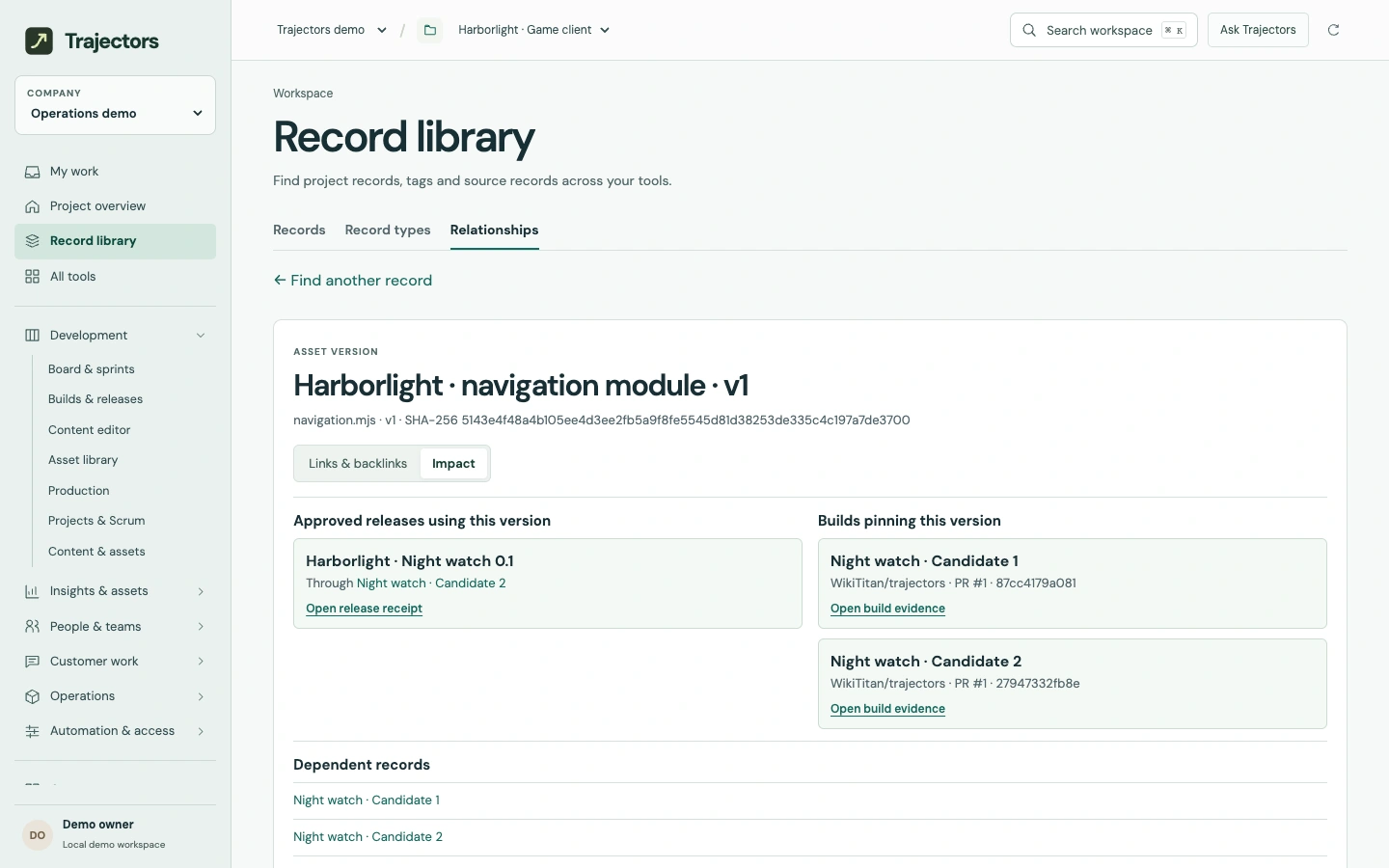
Which release uses this version?
Follow links between work items, assets, builds and releases. Inspect the impact of changing a specific file.
Sample workspace
Enlarge screen Where the navigation file is used
How the work moves
Define the record
Publish a record type with named fields and defaults. Existing records keep the schema version they were created against until someone upgrades them.
Connect the work
Add a dependency or reference in the project. Open a record to see its links in both directions and follow a connection to its source.
Inspect a version
In the Harborlight example, two builds pin the first navigation file. One went into the Night watch release. The next file revision has its own usage history.