
Shared workspace
What needs your attention today?
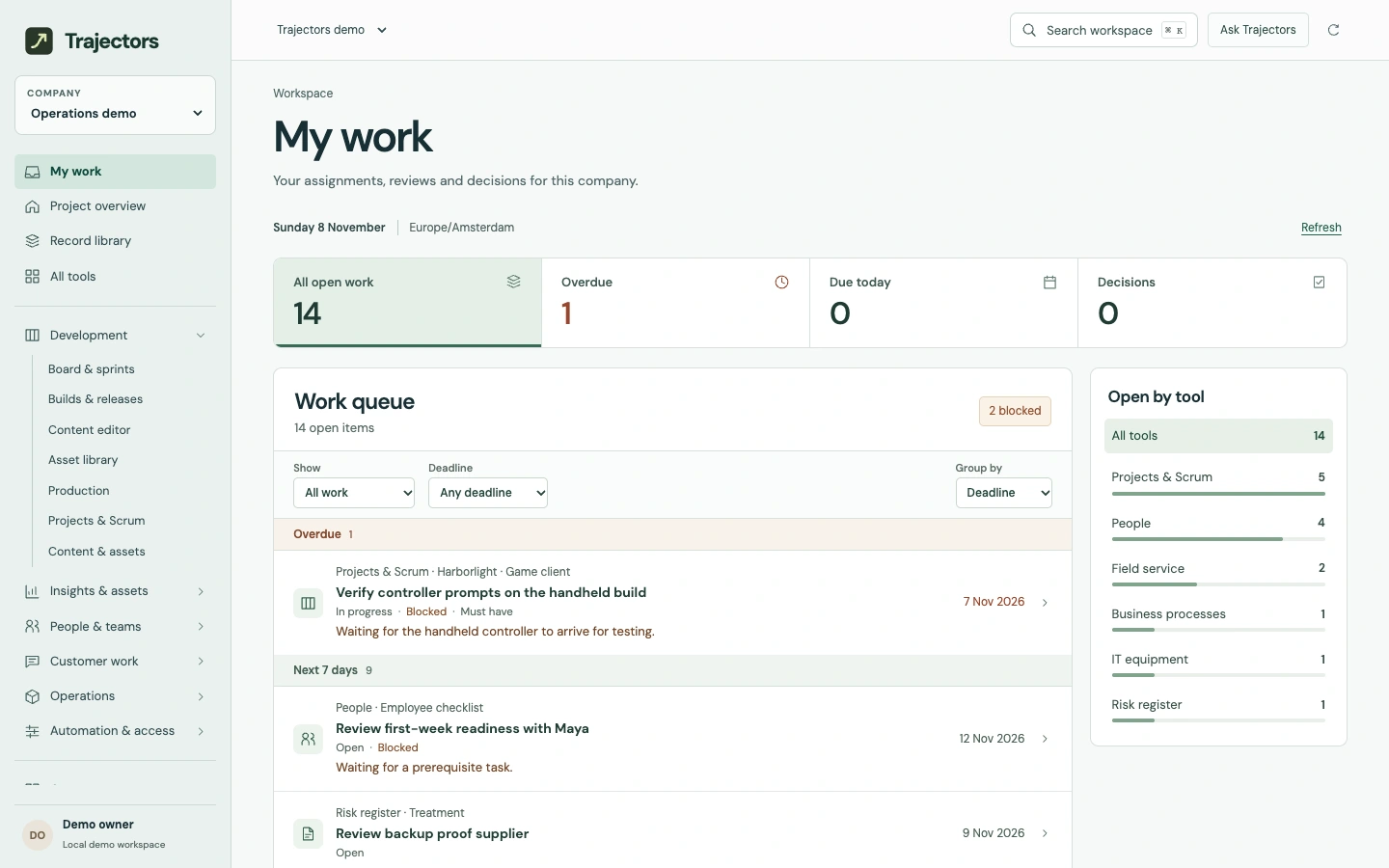
Find assignments, blocked work and decisions from across the company. Open the original record to act.
Sample workspace
Enlarge screen The day’s work at Operations
How the work moves
Start with your queue
Open My work to see your outstanding assignments. Switch companies to see the work that belongs to your role there.
Find the hold-up
Filter for blocked work, overdue items or decisions. A stalled sprint task shows the reason and its due date alongside work from the other tools.
Open the original
Follow a review to the exact build, or open the checklist task you own. Refresh the queue to see changes made in the source tool.